Quick answer
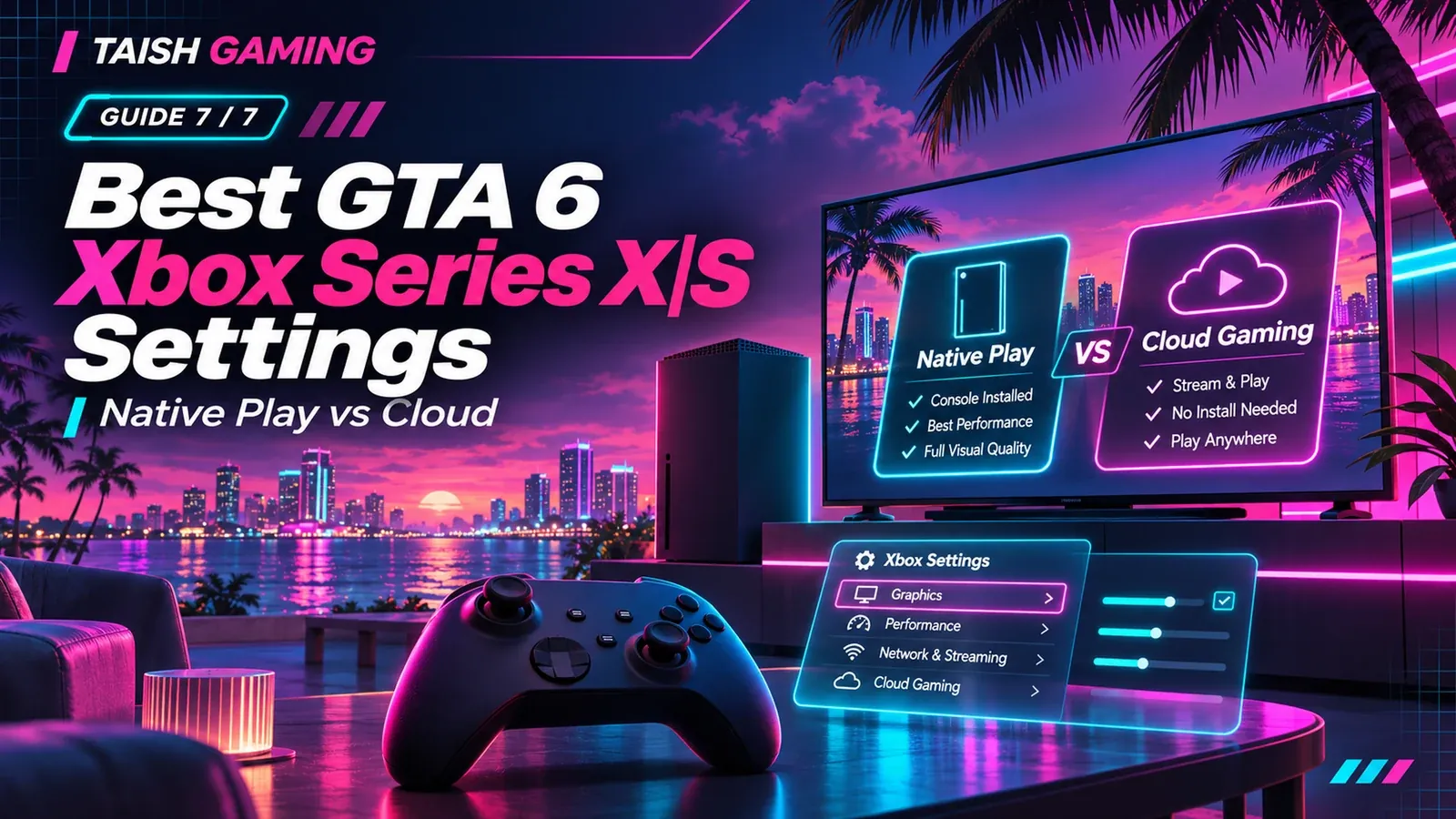
Rockstar has announced a 30 FPS target for GTA VI on supported consoles, including Xbox Series X|S. It has not published the complete Xbox in-game graphics settings menu or a 60 FPS mode. The practical pre-launch priorities are an installed and updated game, enough storage, a correctly configured TV display and a controller setup you can use comfortably. Xbox One users must use the announced cloud version rather than a native install.
Choose the correct way to play
| Hardware | How GTA VI runs | Important limitation |
|---|---|---|
| Xbox Series X | Native console version; digital pre-load available | Game performance is not determined by cloud latency |
| Xbox Series S | Native console version; digital pre-load available | Graphics profile may differ from Series X; exact per-mode numbers not supplied by Rockstar |
| Xbox One | Xbox Cloud Gaming stream in supported markets | Not a native Xbox One release; purchase and cloud eligibility required |
| Xbox Series X/S using cloud | Cloud stream is also announced | Network conditions may change experience |
Xbox Wire says Xbox cloud streaming for the game begins at 1 a.m. ET on 19 November 2026. That cloud start time is a separate service announcement; it should not be merged with Rockstar’s local-midnight native-console unlock wording. Xbox also states GTA VI must be purchased separately and market eligibility varies.
Pre-launch Xbox setup checklist
-
Confirm that the edition purchased is assigned to the same Microsoft account you plan to play with. Standard and Ultimate share the same game installation, but entitlements differ.
-
Let the Xbox pre-load and updates finish. Rockstar says the digital Xbox pre-load began at 00:00 GMT on 10 November 2026; the installation requirement can reach 212 GB depending on device.
-
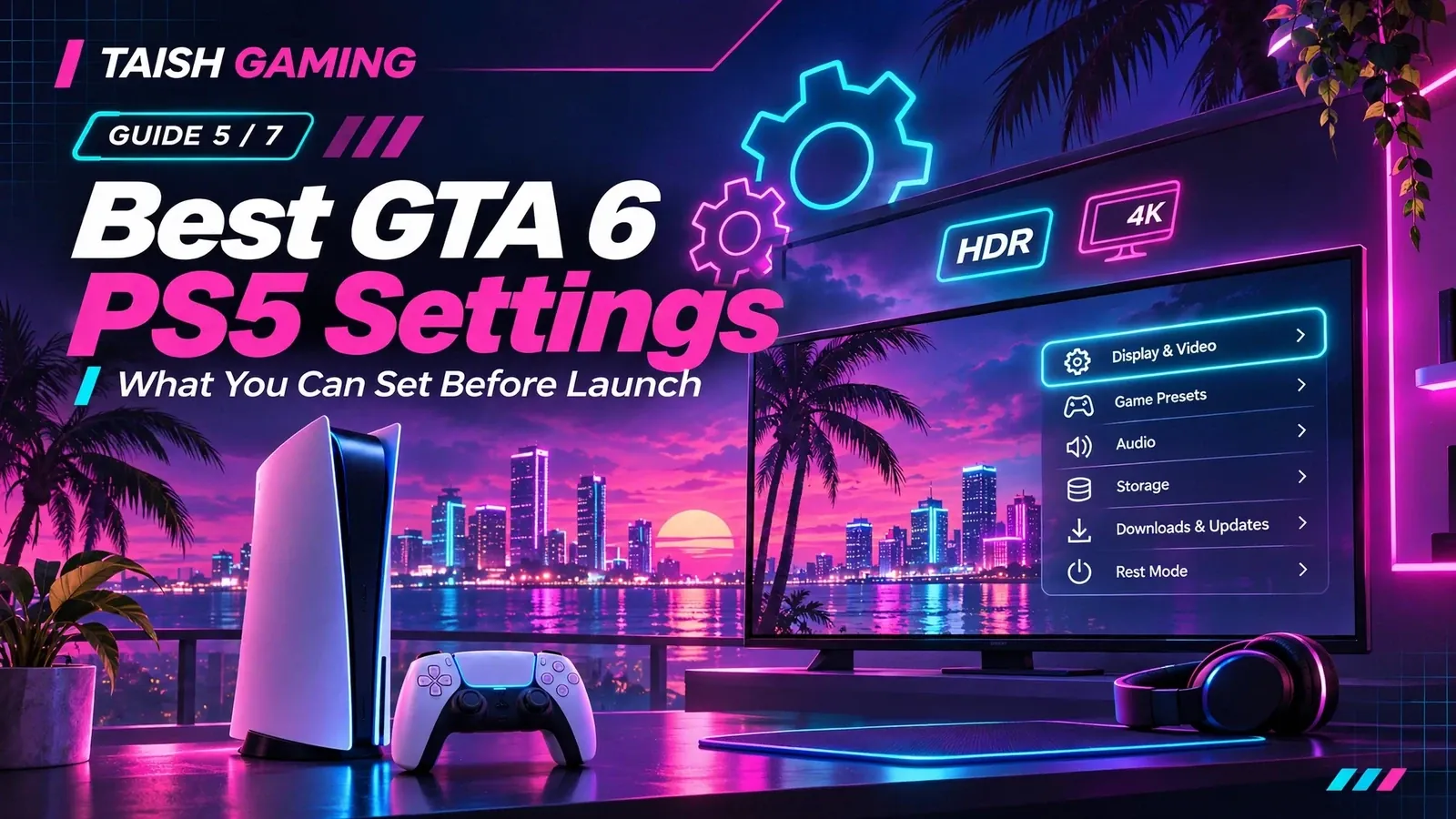
Check Settings > General > TV & display options on the Xbox. Select a resolution and refresh rate supported by the display and cable; use the console’s built-in display information and HDR calibration utilities where available.
-
Use your television’s Game Mode or low-latency option when supported. It may reduce display processing lag, but it will not force GTA VI to run at 60 FPS.
-
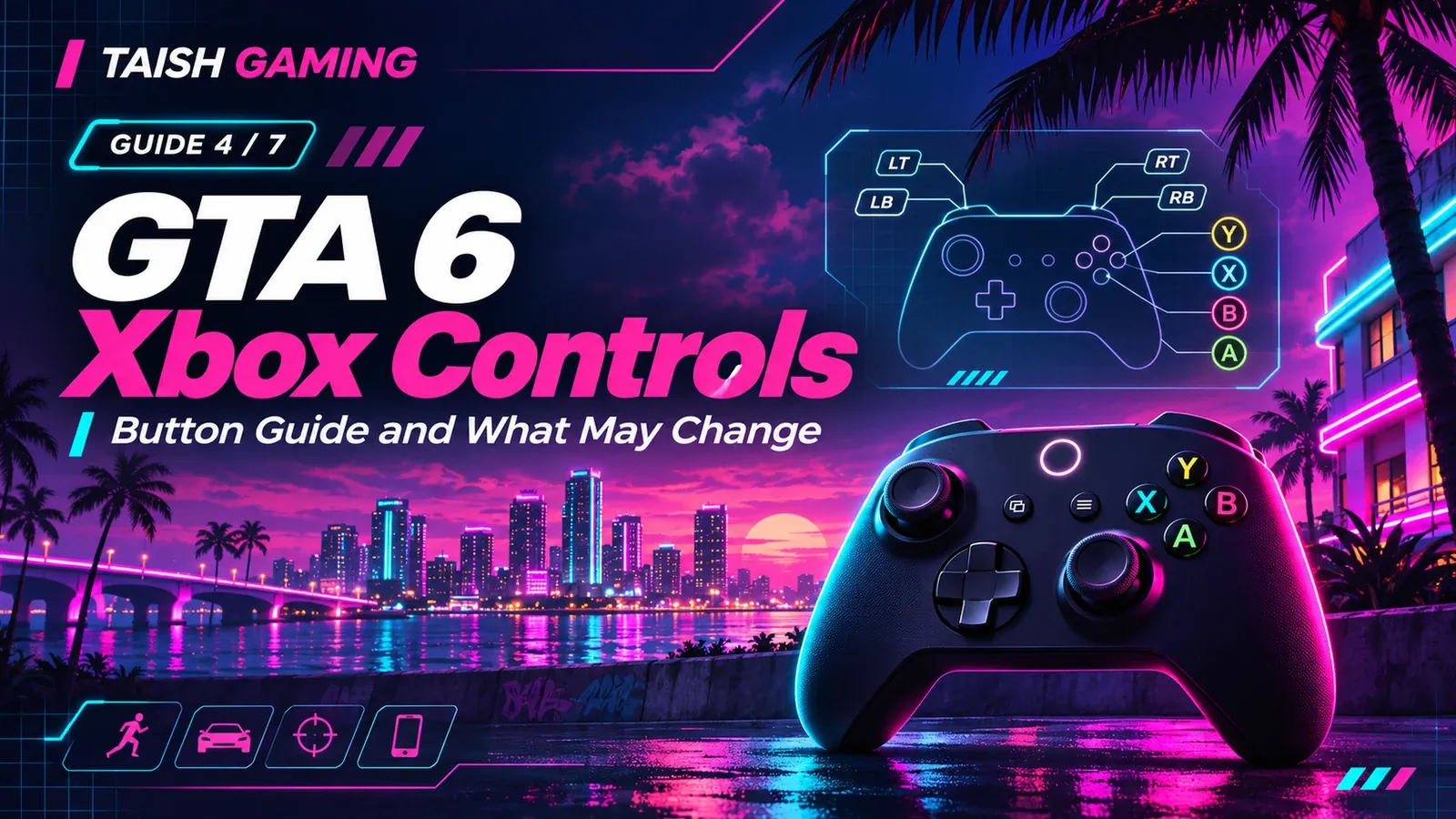
Check controller batteries, connectivity and any supported Xbox Accessories mappings. After release, confirm the actual GTA VI aiming and movement inputs instead of assuming GTA V’s buttons are final.
-
If planning cloud play on Xbox One, confirm the game is purchased, the service is offered in your market and your network is stable. Streaming quality depends on internet performance and server conditions.
What graphics and control settings remain unconfirmed?
Rockstar has not released a complete GTA VI graphics-menu list for Xbox Series X or S. The existence of a Fidelity/Performance toggle, a 60 FPS mode, HDR calibration sliders, camera FOV options, aim-assist values, deadzone settings, motion blur controls and individual accessibility options cannot be treated as established facts. Those are sensible things to inspect after launch, not recommended numerical presets today.
Cloud play versus native play: which is preferable?
Native Series X|S play avoids the additional video compression and round-trip network latency that cloud streaming introduces. Cloud streaming can still be useful on an Xbox One or when local storage is limited, subject to eligibility and service availability. Xbox explicitly warns that technical conditions affect streaming performance. If control response matters most, a local Series X|S install is the better baseline for evaluating the game—not a guarantee that all televisions and network configurations feel identical.
Frequently asked questions
Does GTA 6 support 60 FPS on Xbox Series X?
A 60 FPS mode has not been announced. Rockstar targets 30 FPS on console.
Can I play GTA 6 on Xbox Series S?
Yes. Xbox Series S is an announced native platform. The publisher has not provided a complete final graphics-settings breakdown for it.
Can Xbox One download and run GTA 6?
No native Xbox One build is listed. Xbox One can instead use announced Xbox Cloud Gaming support where eligible; purchase and connection conditions apply.
What Xbox settings should I change right now?
Verify the correct account, free storage, software updates and the TV’s supported output modes. Wait for the retail GTA VI menu before claiming optimal aim, HDR or graphics values.
Related reading: Taish Gaming’s Xbox controls guide, pre-load guide, FPS analysis and online-status article. Direct users to the platform pages rather than repeating full launch-news detail.
Primary sources and verification
Rockstar: 30 FPS target and cloud support — https://www.rockstargames.com/newswire/article/89834o94713o21/pre-load-grand-theft-auto-vi-now
Xbox Wire: cloud on Xbox One, start time and restrictions — https://news.xbox.com/en-us/2026/11/10/grand-theft-auto-6-comes-to-xbox-cloud-gaming-november-19/
Rockstar Support: pre-load timing — https://support.rockstargames.com/articles/7nPqOA2uCbpEQHXx7KVrYd/grand-theft-auto-vi-pre-load-faq
Rockstar Support: install requirement — https://support.rockstargames.com/articles/M6h7B5fJZMwG1dnzQkt4Z/grand-theft-auto-vi-installation-requirements
FINAL EDITORIAL QA