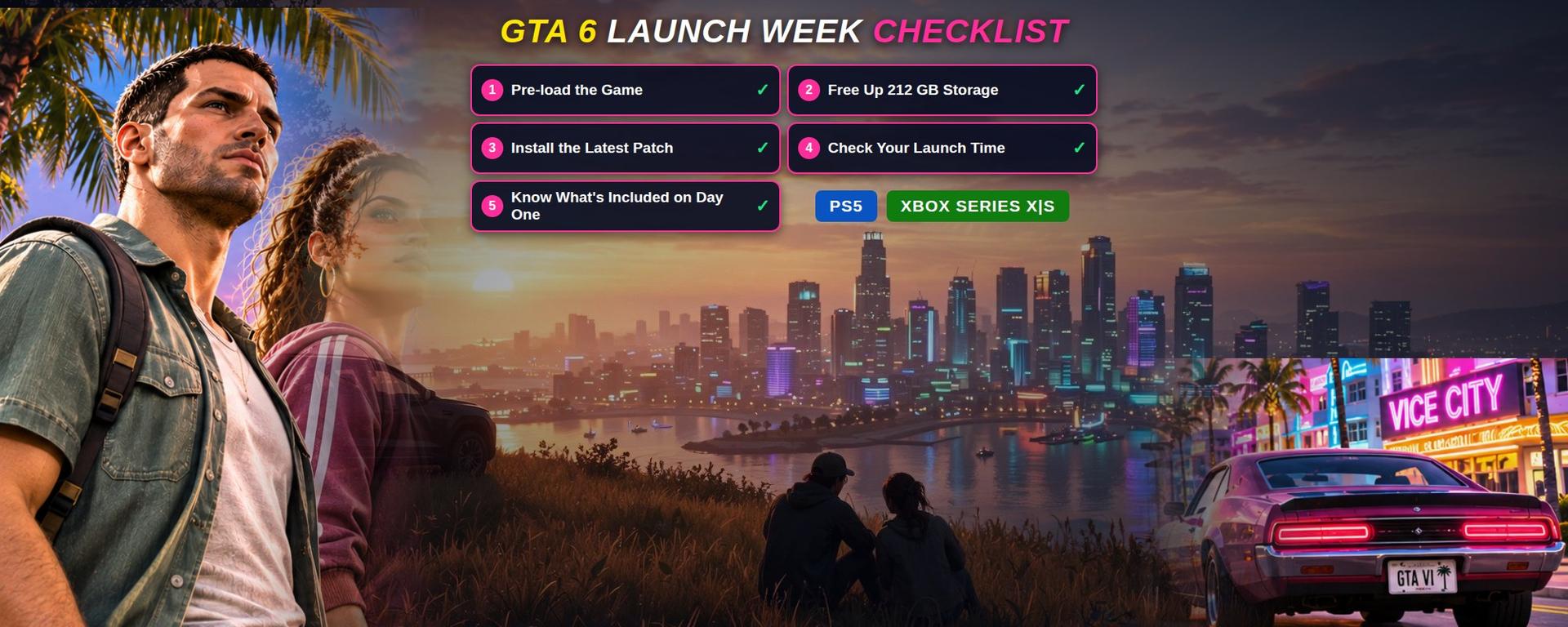
GTA 6 Launch Checklist: 5 Things to Do Before November 19
Pre-load is open, the game needs up to 212 GB, and a second patch is already out — five checks before Thursday, 19 November.
GTA 6 launches November 19, 2026. Get ready with our complete PS5 and Xbox checklist covering preload, 212 GB storage, updates and release times.
Read the sources and uncertainty notes below. Our sourcing policy · Request a correction
Table of Contents
- 1.GTA 6 launch details at a glance
- 2.1. Pre-load GTA 6 now instead of downloading it on launch day
- 3.How to pre-load GTA 6 on PS5
- 4.How to pre-load GTA 6 on Xbox Series X|S
- 5.Does pre-loading mean you can play GTA 6 early?
- 6.2. Free up enough storage for GTA 6 — 212 GB is a serious requirement
- 7.How much storage should you keep free?
- 8.How to check storage space on PS5
- 9.How to check storage space on Xbox Series X|S
- 10.Should you delete other games to install GTA 6?
- 11.3. Install the latest GTA 6 update before launch night
- 12.GTA 6 update 01.002.000 — November 13
- 13.GTA 6 update 01.002.001 — November 16
- 14.How to check for GTA 6 updates on PS5
- 15.How to check for GTA 6 updates on Xbox
- 16.Will there be another GTA 6 patch on November 19?
- 17.4. Check the exact GTA 6 release time in your country
- 18.GTA 6 release times around the world
- 19.Why GTA 6 release times can be confusing
- 20.Can changing your console region unlock GTA 6 early?
- 21.5. Know what GTA 6 includes at launch — and what is not available yet
- 22.GTA 6's story focuses on Jason and Lucia
- 23.Will GTA 6 Online be available on November 19?
- 24.Will GTA 6 support crossplay?
- 25.Do you need PS Plus or Game Pass to play GTA 6?
- 26.What about the GTA 6 PC version?
- 27.Bonus: Buying GTA 6 physically? There is something important to know
- 28.What physical buyers should check
- 29.What to do if your GTA 6 pre-load is not working
- 30.GTA 6 is not showing in your library
- 31.GTA 6 download is stuck or paused
- 32.GTA 6 is downloading too slowly
- 33.The latest GTA 6 update is not appearing
- 34.GTA 6 launch night: Final preparation checklist
- 35.GTA 6 launch FAQs
- 36.When is GTA 6 releasing?
- 37.What time does GTA 6 unlock?
- 38.Can I pre-load GTA 6 right now?
- 39.How many GB is GTA 6?
- 40.Is GTA 6 available on PS4 or Xbox One?
- 41.Will GTA 6 run at 60 FPS?
- 42.Is GTA 6 Online available at launch?
- 43.Do I need PlayStation Plus to play GTA 6?
- 44.Does the physical version include a disc?
- 45.Is GTA 6 releasing on PC on November 19?
- 46.What happens if I have not pre-loaded GTA 6?
- 47.Final thoughts: Get everything ready before Vice City opens
- 48.Sources
GTA 6 launch details at a glance
| Detail | What we know |
|---|---|
| Release date | Thursday, November 19, 2026 |
| Platforms | PlayStation 5, Xbox Series X and Xbox Series S |
| Release time | Midnight local time on November 19, on both platforms |
| Pre-load start | November 10, 2026 (PS5 midnight local; Xbox 12 a.m. GMT) |
| Storage needed | Up to 212 GB of available space, depending on device |
| Pre-launch updates | 01.002.000 on November 13; 01.002.001 on November 16 (both reported) |
| At launch | Single-player story with Jason and Lucia |
| Setting | Vice City and the state of Leonida |
| PC version | No announced release date |
| GTA 6 Online | No confirmed launch date |
After years of trailers, speculation, delays, and endless discussions about what Rockstar Games has been working on, Grand Theft Auto VI is finally approaching release. For players who have been waiting to explore Vice City again, November 19, 2026, is more than another date on the gaming calendar.
But there's one thing that could ruin launch night before it even begins: realizing your console isn't ready.
Imagine sitting down at midnight, opening your PlayStation 5 or Xbox Series X|S, and discovering that GTA 6 still needs a massive download, an additional update, or more free storage. With Rockstar confirming the game needs up to 212 GB of available space, waiting until the last minute could mean spending your first few hours watching a progress bar instead of exploring Leonida.
The good news? Most of these problems are avoidable.
Rockstar has already opened GTA 6 pre-loading, confirmed regional release times, and provided installation guidance for both console platforms. Additional pre-launch updates have also started appearing, making it worth checking your download status before release day.
This GTA 6 launch checklist covers the five most important things to do before November 19, from downloading the game and preparing your storage to checking updates, understanding launch times, and knowing what you'll be able to play on day one.
1. Pre-load GTA 6 now instead of downloading it on launch day
The first and most important step is simple: make sure GTA 6 is already downloaded before November 19.
Rockstar officially opened digital pre-loading on November 10, giving players more than a week to install the game ahead of release. PlayStation 5 pre-loading began at midnight in each region's local time, while Xbox Series X|S pre-loading opened globally at 12:00 a.m. GMT. Both pre-load windows are now open, so eligible players should already be able to download their purchased copies.
That extra preparation time matters because GTA 6 isn't a small download. Depending on your internet speed, network congestion, and console settings, installing a game of this size could take considerable time. Our download-time calculator will tell you honestly how long your speed needs, and our pre-load guide covers both consoles step by step.
How to pre-load GTA 6 on PS5
If you've purchased GTA 6 digitally through the PlayStation Store, follow these steps:
- Turn on your PS5 and sign in to the PlayStation Network account used to purchase the game.
- Open Game Library and locate Grand Theft Auto VI under your purchased games.
- Select GTA 6 and look for the download option if the pre-load has not started automatically.
- Allow the download to begin and monitor its progress in Downloads/Uploads.
- Once installation finishes, check whether any additional game updates are available.
You can also check the game's listing through the PlayStation Store. For automatic downloads, Sony requires the appropriate settings to be enabled. Your console should remain powered on or be placed in Rest Mode with the necessary network features available. Rockstar links to Sony's instructions in its official pre-load FAQ.
How to pre-load GTA 6 on Xbox Series X|S
Xbox players can prepare their consoles in a similar way:
- Sign in using the Microsoft account associated with your GTA 6 purchase.
- Open My games & apps.
- Navigate to your full library and find your owned games.
- Select Grand Theft Auto VI and begin installation if it has not started.
- Check the installation queue to confirm the download is progressing.
If you use automatic game updates, make sure those settings are enabled. Rockstar recommends keeping the Xbox powered on or in Sleep mode when relying on automatic downloads. The interface can vary depending on your current system software; what matters is verifying that the full installation has completed.
Does pre-loading mean you can play GTA 6 early?
No. Pre-loading downloads game files before the official release, but it does not provide early access to the single-player campaign. Even after installation reaches 100%, the game remains locked until its scheduled release time.
This distinction is worth remembering, especially with misleading social media posts and unofficial download links circulating around major game launches.
Taish Gaming tip: Do not delete your completed pre-load simply because the game appears locked. That is expected before release. Check the scheduled unlock time instead.
2. Free up enough storage for GTA 6 — 212 GB is a serious requirement
Storage space might be the biggest practical challenge for players preparing for GTA 6. According to Rockstar Games, Grand Theft Auto VI requires up to 212 GB of available storage, depending on the device. That figure is officially confirmed, not a leaked estimate.
A game this large can consume a significant portion of a console's usable storage, particularly if you already have several big titles installed. Future updates, saved media, and other games can also compete for the same drive space. Our storage guide covers what to clear on PS5 and Xbox.
How much storage should you keep free?
The official requirement is up to 212 GB. For preparation, we recommend having approximately 230–250 GB free where possible. That extra space is a practical buffer, not an additional Rockstar requirement. Actual installation behavior and temporary-space requirements can vary.
| Available free space | Recommendation |
|---|---|
| Below 212 GB | Free up storage before starting |
| 212–229 GB | Meets the stated maximum but leaves little spare capacity |
| 230–250 GB | Comfortable preparation target |
| Above 250 GB | More flexibility for future updates and other games |
How to check storage space on PS5
On PlayStation 5, navigate to Settings → Storage → Console Storage. You will see the space used by installed games, applications, saved data, and media.
If space is running low, start with games you have not opened in months. Captured gameplay clips and screenshots can also take up more room than expected. If you have a compatible M.2 SSD installed, you may be able to use it for additional PS5 game storage. An external USB drive can store PS5 games, but PS5 titles must be moved to compatible internal storage before they can be played.
How to check storage space on Xbox Series X|S
Open My games & apps → Manage → Storage devices. Check your available storage and decide which games or apps can be removed or moved.
Xbox Series S owners may need to be particularly careful because usable storage depends on the console model and capacity. If you plan to install GTA 6 on an expansion card, make sure it supports running Xbox Series X|S optimized games. Standard USB external drives generally cannot run titles that require Xbox's faster storage architecture.
Should you delete other games to install GTA 6?
If you are short on space, temporarily uninstalling large games is usually the fastest solution. You do not necessarily have to lose your progress: many games support cloud-synchronized saves, but verify that important data is backed up before removing anything. Players who capture gameplay can also move old recordings to other storage.
Taish Gaming tip: Clear your storage before starting the pre-load. Finding out you are short of space halfway through is an avoidable headache.
3. Install the latest GTA 6 update before launch night
Downloading the base game is not necessarily the final step. Multiple gaming publications have reported updates appearing on PlayStation 5 and Xbox Series X|S. The first widely reported pre-launch update arrived on November 13, while a second update began rolling out on November 16.
GTA 6 update 01.002.000 — November 13
The first update was reported as version 01.002.000 on PlayStation 5. According to third-party reporting, the download was approximately 1.07 GB on PS5 and 2.18 GB on Xbox Series X|S. The update appeared after pre-loading had begun, allowing players who installed the base game to receive additional files ahead of launch.
Rockstar did not publish detailed official patch notes explaining all changes. It would therefore be inaccurate to claim that a specific gameplay feature or technical issue was fixed.
GTA 6 update 01.002.001 — November 16
A second pre-launch update reportedly began appearing on November 16. Reported details are summarized below. Sizes may vary slightly by device and package.
| Platform | Reported update version | Approximate size |
|---|---|---|
| PlayStation 5 | 01.002.001 | 602.5 MB |
| Xbox Series X|S | 1.0.2.1 | 1.59 GB |
RockstarINTEL reports that this update is required before playing and that PlayStation distribution is happening in stages. Other reporting also notes that some PS5 players received the update before others. As of November 17, detailed official notes for the second patch had not been published.
Developers commonly refine games before launch, but performance gains, graphical improvements, or bug fixes should not be presented as confirmed without evidence.
Taish Gaming tip: A completed pre-load does not always mean you are fully launch-ready. Check for updates again on November 18, particularly if your console has been offline.
How to check for GTA 6 updates on PS5
- Find GTA 6 on your PS5 home screen or in Game Library.
- Highlight the game and press Options on your controller.
- Select Check for Update.
- Install any update that appears.
If no update appears immediately, remember that reporting describes a staggered rollout for the November 16 PS5 update.
How to check for GTA 6 updates on Xbox
Open My games & apps, go to the management section, and check for available updates. If GTA 6 appears in the queue, install the latest available version before launch. Check whether your console has a pending system software update as well.
Will there be another GTA 6 patch on November 19?
Possibly, but nothing should be assumed. Rockstar could release another update before or on launch day; its existence, size, contents, and timing cannot be confirmed without an official announcement or credible reporting. Keep automatic updates enabled and perform one final manual check before the game unlocks.
4. Check the exact GTA 6 release time in your country
Knowing the release date is one thing. Knowing exactly when GTA 6 becomes playable in your region is another. Rockstar's regional release guidance states that Grand Theft Auto VI releases at midnight local time on November 19 on both PlayStation 5 and Xbox Series X|S.
That means players in different parts of the world will reach launch time at different moments. It also means you should not confuse the pre-load schedule with the actual release schedule. Xbox pre-loading began at one global time, but the game's release follows regional midnight. Our countdown shows the exact time left in your timezone.
GTA 6 release times around the world
For most regions, the displayed unlock corresponds to local midnight. Actual access should always be confirmed in the digital storefront tied to your purchase.
| Country / region | Expected local launch time |
|---|---|
| United States — Eastern | November 19, 12:00 AM EST |
| United States — Pacific | November 18, 9:00 PM PST* |
| United Kingdom | November 19, 12:00 AM GMT |
| Pakistan | November 19, 12:00 AM PKT |
| India | November 19, 12:00 AM IST |
| United Arab Emirates | November 19, 12:00 AM GST |
| Japan | November 19, 12:00 AM JST |
| Australia — Sydney | November 19, 12:00 AM AEDT |
| New Zealand | November 19, 12:00 AM NZDT |
* The Pacific example corresponds to a U.S. Eastern midnight unlock, as reported from store listings. Other rows show regional local midnight rather than one worldwide simultaneous launch; platform storefront and account-region rules control actual access.
Why GTA 6 release times can be confusing
Digital storefronts do not always present unlock times in exactly the same way. Console region, account settings, and the listing for your purchase can affect what you see. If you are uncertain, check the countdown or release details in the official PlayStation or Xbox storefront associated with your purchase.
Do not rely entirely on social media countdowns: a countdown designed for New York may not reflect the schedule of an account registered elsewhere.
Can changing your console region unlock GTA 6 early?
Players sometimes discuss changing console regions to access games earlier. But changing a console's regional settings is not a guaranteed way around release restrictions. Digital licensing, account location, payment region, and store policies can all affect access.
The safest approach is to follow your account's actual release schedule rather than risk account or purchase complications for a few extra hours.
Taish Gaming tip: Check the launch time shown on your console on November 18 so you can resolve confusion before release night.
5. Know what GTA 6 includes at launch — and what is not available yet
One of the easiest ways to avoid disappointment is to understand exactly what you are buying. Rockstar has described GTA 6 as a single-player experience for its November 19 release, with a story following Jason and Lucia through Vice City and the wider state of Leonida.
GTA 6's story focuses on Jason and Lucia
The central storyline follows two protagonists whose lives become entangled in a criminal conspiracy after a job goes wrong. Vice City returns as a major setting, but GTA 6 expands beyond the familiar urban environment into the fictional state of Leonida.
Rockstar's trailers and promotional material highlight a broader world of dense city streets, coastal environments, nightlife, highways, and areas beyond Vice City. Rather than simply recreating previous Grand Theft Auto settings, Rockstar is positioning Leonida as an extensive modern open world built around its characters.
For players who enjoyed the story-driven elements of GTA 5 and Red Dead Redemption 2, Jason and Lucia's relationship may be one of the biggest reasons to explore the campaign.
Will GTA 6 Online be available on November 19?
Rockstar's launch announcements focus on the single-player experience. As of November 17, the company has not announced a confirmed GTA 6 Online launch date.
Previous Grand Theft Auto titles have developed strong multiplayer communities, so expectations are understandably high. But speculative multiplayer release windows are not official announcements. Until Rockstar publishes details, claims about the online release date, player counts, crossplay, and online-specific features should be treated as unconfirmed.
Will GTA 6 support crossplay?
Rockstar has not confirmed cross-platform multiplayer functionality for GTA 6. With no announced online launch schedule, there is no reliable basis for claiming PlayStation and Xbox players will be able to play together. If cross-platform play matters to you, wait for formal confirmation. Our crossplay guide covers what is known in full.
Do you need PS Plus or Game Pass to play GTA 6?
You will not need a PlayStation Plus or Game Pass subscription simply to play the purchased single-player story locally. Online multiplayer services and subscription benefits are separate from playing a purchased single-player game.
An internet connection may still be needed to download, update, or activate your copy, depending on the platform and account configuration. For the confirmed campaign, focus on owning a valid copy, installing the game, applying required updates, and preparing your console.
What about the GTA 6 PC version?
Rockstar has confirmed November 19 for PlayStation 5 and Xbox Series X|S but has not announced a PC release date. PC players should be cautious of unofficial GTA 6 download sites, early-access offers, and fake installation files. Rely on Rockstar's website for platform announcements.
Bonus: Buying GTA 6 physically? There is something important to know
If you prefer physical copies, GTA 6 differs from a traditional disc release. According to Rockstar, the boxed version contains a digital download code rather than a playable disc. Physical code-in-box editions became available through retailers beginning November 12, allowing customers to redeem codes and start pre-loading ahead of November 19.
A box therefore does not eliminate the need for a large download.
Important: Do not assume a boxed GTA 6 copy can be installed from a disc. Rockstar's announced physical release uses a download code.
What physical buyers should check
Buy from a legitimate retailer and make sure the included code is compatible with your account region. Rockstar lists regional restrictions for some PlayStation codes. Xbox redemption guidance differs, but reputable sellers and the relevant store terms still matter. Once you receive the code, redeem it through your console's official storefront and start downloading.
What to do if your GTA 6 pre-load is not working
Even with several days to prepare, game downloads do not always go smoothly. A download can stall, an installation can pause, or an update may not appear immediately. Work through these common causes before deleting anything or restarting a large download.
GTA 6 is not showing in your library
First, confirm that you are signed into the account that purchased or redeemed the game. Check purchase history and verify that the transaction or code redemption was completed. On PS5, restoring licenses through account settings may help with a purchased title that is not displayed correctly. If you bought a code-in-box edition, ensure the code has actually been redeemed.
GTA 6 download is stuck or paused
Check that the console has an active internet connection and sufficient free storage. Pause and resume the download, restart the console, or check whether PlayStation Network or the Xbox network is experiencing interruptions. Avoid repeatedly deleting partially downloaded game files unless official troubleshooting requires it.
GTA 6 is downloading too slowly
For a more stable connection, use wired Ethernet where possible. Pause other major downloads and limit unnecessary network activity. Household video streaming, other downloads, server load, congested networks, and poor Wi-Fi can all slow a console download.
An advertised broadband speed does not always match the speed shown on your console. Plan for a slower real-world result rather than leaving a 212 GB installation to the last minute.
The latest GTA 6 update is not appearing
Some updates have reportedly been distributed in stages, especially on PS5. If the newest version is not appearing, check again later, keep automatic updates enabled, and confirm the console software is current. Rockstar provides further PlayStation and Xbox links through its official pre-load FAQ.
GTA 6 launch night: Final preparation checklist
By November 18, aim to have the game downloaded, storage prepared, and system updates completed. Use the list below before you sit down to play:
- GTA 6 is downloaded and installed.
- At least 212 GB was available for installation.
- Latest available GTA 6 update is installed.
- PS5 or Xbox system software is up to date.
- Release time is confirmed for my account region.
- Purchase or download code is properly activated.
- Internet connection and controller are functioning.
- Enough capture storage is available if I plan to record gameplay.
Completing these checks does not guarantee a completely trouble-free release. Unexpected patches, network problems, or technical issues can still happen. It does remove many of the most preventable obstacles.
GTA 6 launch FAQs
When is GTA 6 releasing?
Grand Theft Auto VI is scheduled for Thursday, November 19, 2026, on PlayStation 5 and Xbox Series X|S, as confirmed in Rockstar's official announcements.
What time does GTA 6 unlock?
Rockstar's regional guidance states midnight local time on November 19 for PS5 and Xbox Series X|S. Confirm the applicable unlock in your account's official store listing.
Can I pre-load GTA 6 right now?
Yes. Digital pre-loading began November 10, 2026. Eligible players who have purchased or redeemed the game can download it ahead of launch.
How many GB is GTA 6?
Rockstar specifies up to 212 GB of storage, depending on console. Preparing about 230–250 GB of free space is a practical buffer, not an official additional requirement.
Is GTA 6 available on PS4 or Xbox One?
Rockstar has announced native releases for PS5 and Xbox Series X|S, not native PS4 or Xbox One versions. Rockstar has separately announced Xbox Cloud Gaming access, potentially including eligible Xbox One devices, which is not the same as a native installation.
Will GTA 6 run at 60 FPS?
Rockstar's November 10 announcement stated a target of 30 FPS on current-generation consoles and described PS5 Pro visual enhancements. A 60 FPS mode should not be described as confirmed without a later official update.
Is GTA 6 Online available at launch?
Rockstar has announced a single-player launch experience and, as of November 17, has not confirmed an online multiplayer release date.
Do I need PlayStation Plus to play GTA 6?
Not simply to play a purchased single-player campaign. Online multiplayer services or subscription benefits may have separate requirements.
Does the physical version include a disc?
No. Rockstar's announced boxed edition includes a digital download code, so buyers still need to download game files.
Is GTA 6 releasing on PC on November 19?
No PC release date has been announced. The confirmed November 19 release covers PS5 and Xbox Series X|S.
What happens if I have not pre-loaded GTA 6?
You can still download a purchased copy after release, but you will need to wait for the full installation and any required updates before playing.
Final thoughts: Get everything ready before Vice City opens
GTA 6 has been one of the most anticipated releases in modern gaming, and after a long wait, players are approaching the opportunity to explore Rockstar's new version of Vice City. For many fans, the first few hours will be about discovering Leonida, meeting Jason and Lucia, exploring the world, and experiencing a new Grand Theft Auto story without knowing what lies around the next corner.
The last thing you want is a preventable download or storage problem getting in the way.
You do not need an elaborate setup to enjoy launch night. You need a properly installed game, enough storage, updated console software, and a clear understanding of when your copy unlocks. Pre-load GTA 6, check for the latest patch, confirm your release time, and prepare your console before November 19.
Once those steps are done, there is only one job left: head into Leonida and discover what Rockstar has been building.
Sources
- Rockstar Games — Grand Theft Auto VI (official website)
- Rockstar Support — Grand Theft Auto VI Pre-Load FAQ
- Rockstar Support — Grand Theft Auto VI Platforms, Editions, and Versions
- Polygon — GTA 6's official first updates (01.002.001, November 16)
- RockstarINTEL — GTA VI second update and staged rollout (reported)
- PlayStation — PlayStation Plus product and online multiplayer information
- Rockstar Games Newswire — GTA VI pre-load and November launch information
More from Taish Gaming
 GTA 6 Online
Is GTA 6 Online at Launch? Here's What Rockstar Has Confirmed
Rockstar calls GTA 6 a single-player experience, and no online mode has been announced for launch day. Here's everything confirmed, everything reported, and what it means for November 19.
Read More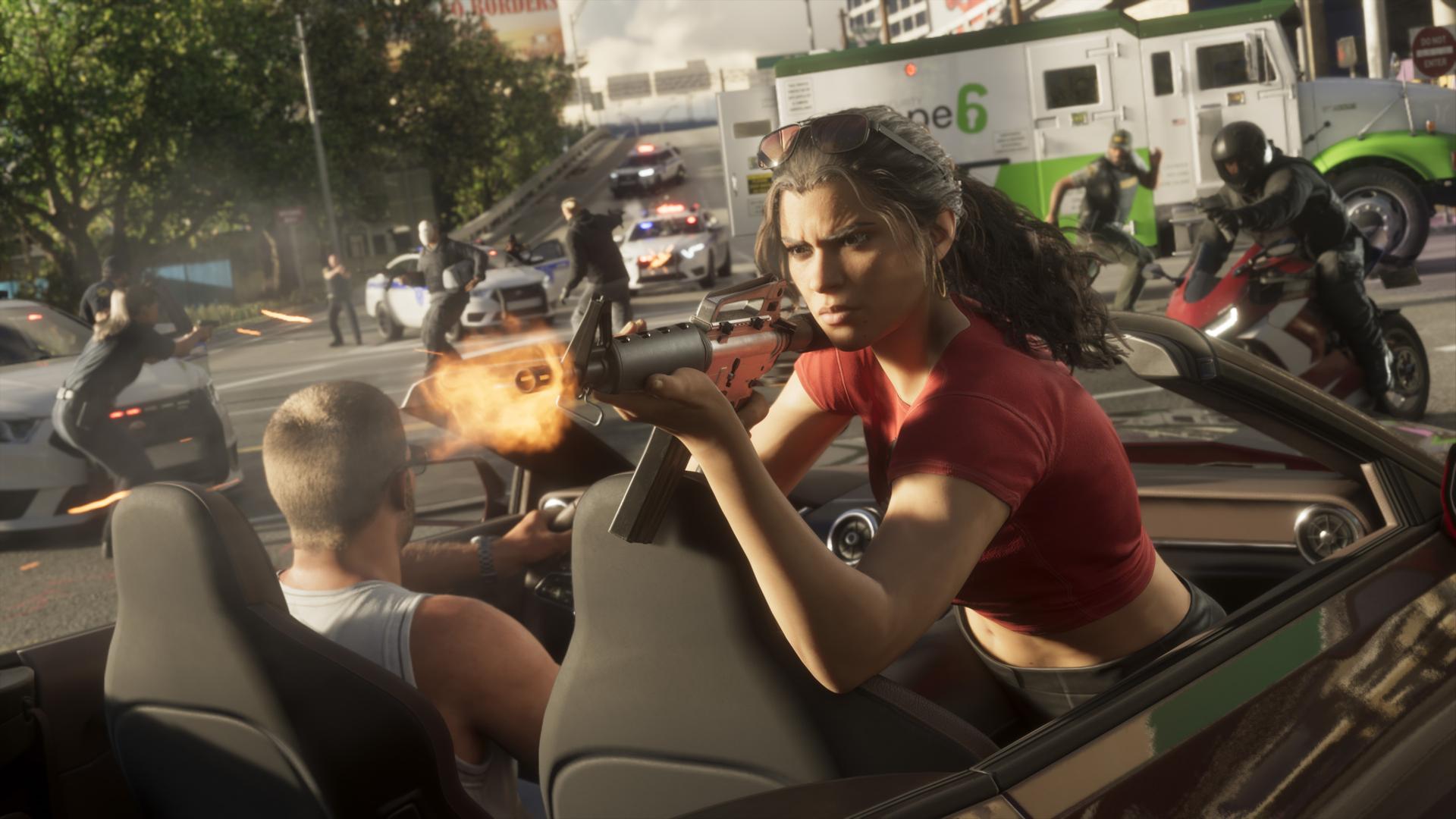 Launch Trailer
GTA 6 Launch Trailer Breakdown
Ninety seconds is enough for Rockstar to sharpen the story around GTA 6 without explaining everything. Jason talks about an Army career that ended badly. Lucia reaches him through an automated prison call.
Read More GTA 6
GTA 6 Macca & Friends: Everything We Know About the In-Game TV Show
Macca & Friends is a fictional television show promoted as part of the world of Grand Theft Auto VI (GTA 6).
Read MoreNever Miss an Update
Subscribe to our newsletter and get the latest GTA 6 news & exclusive articles straight to your inbox.